Brisqella's Classification Tools and Interface Features
This page describes the tools and interface capabilities that make up the Brisqella service. Each feature is explained in the context of how it supports information classification, review, and enquiry management.
A feature set built around organised information review
Brisqella's capabilities are not a collection of unrelated tools. They form a coherent system for receiving, classifying, and presenting digital information through a consistent interface designed to support clear, purposeful review.
The features described on this page reflect the platform's general design and intended function. Specific capabilities available to a given user may depend on the access configuration associated with their enquiry.

Platform capabilities in detail
Each capability below represents a distinct aspect of how Brisqella organises and presents information. Features are described as they are intended to work, not as independently verified outcomes.
Structured information categorisation
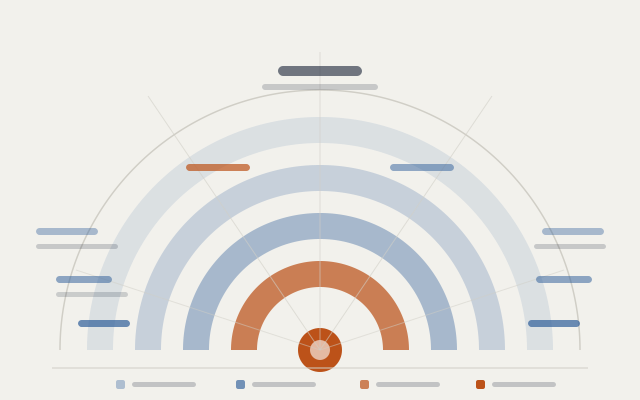
Brisqella applies a classification framework to incoming content, grouping items by type, topic, and relevance. This process is designed to present information in a navigable format rather than as an undifferentiated collection.
Classification is performed consistently across all content within the platform. Users interact with pre-classified material, which reduces the cognitive load involved in locating and reviewing specific items.
A consistent environment for content inspection
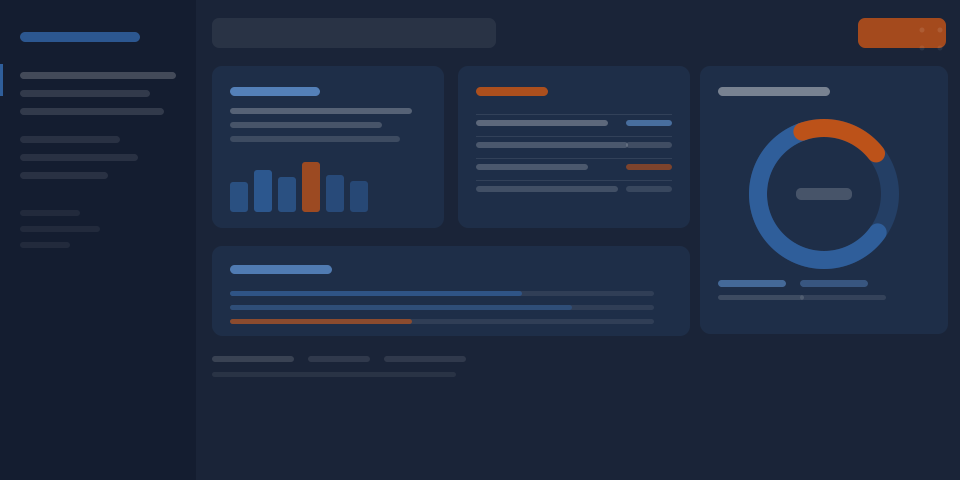
The review interface presents classified information in a stable, predictable layout. Content is displayed in a consistent format regardless of its source or type, which means users apply the same review approach across all material within the platform.
The interface is designed to support focused review — presenting the information needed for a task without surfacing unrelated content. Navigation between classification categories is structured so that movement through the platform follows a logical path.
Organised handling of user requests
Enquiries submitted through the Brisqella service are received, organised, and reviewed by the support team. The enquiry management feature is designed to ensure that each submission is handled systematically rather than informally.
Users can submit requests for access, clarification, or support through a single contact channel. The support team may request further information to process a submission correctly. All enquiries are treated as distinct items within the management workflow.
The access process, step by step
Understanding how to request and receive access to the Brisqella service helps users prepare the right information before submitting an enquiry.
-
Review the platform scope
Read the platform scope page to understand what Brisqella does and whether it suits your information-management requirements. This helps ensure your enquiry contains relevant context.
-
Submit your enquiry
Use the contact form on the Enquire page to submit your access request. Include your name, email address, the type of request, and a description of your requirements.
-
Await review by the support team
The Brisqella support team reviews each submission individually. They may contact you to request additional information. Response times vary depending on submission volume.
-
Receive access and orientation information
If your request is approved, you will receive access details and any orientation information relevant to your service configuration. The support team remains available for follow-up enquiries.
-
Begin using the platform
Access the classification and review interface using the details provided. Submit further enquiries through the contact channel if you require clarification or support during use.
Capability descriptions are informational
The features described on this page reflect the platform's intended design. They are not independently verified performance claims. If you need specific assurances about platform behaviour in a particular context, please include this in your enquiry.